This article may include affiliate links that earn us a small commission at no extra cost to you.

PS5 SSD Upgrade Rules Before You Buy in 2026
Update as of:
A PS5 SSD upgrade is one of the easiest ways to fix storage problems on Sony’s console. Large games, updates, captures, and media apps can fill the system quickly, and constantly deleting games gets old.
You can add more internal storage, but the drive must meet Sony’s requirements. Before buying, check its speed, storage size, cooling, and physical measurements.
Once installed, compatible M.2 storage can be used to download, copy, and launch PS5 games, PS4 games, and media apps.
⚙️ PS5 SSD Upgrade Requirements
Sony requires a compatible M.2 NVMe drive for internal PS5 storage. Do not choose a drive based only on its price or storage capacity. Some models look correct but still miss an important requirement.
Check for these specifications:
- ⚙️ Interface: PCIe Gen4 x4 M.2 NVMe
- 💽 Storage size: 250GB to 8TB
- 📐 Form factor: 2230, 2242, 2260, 2280, or 22110
- 🚀 Read speed: 5,500MB/s or faster recommended
- 🔑 Socket type: Socket 3, Key M
- 🌡️ Cooling: Heatsink or heat-dissipation setup required
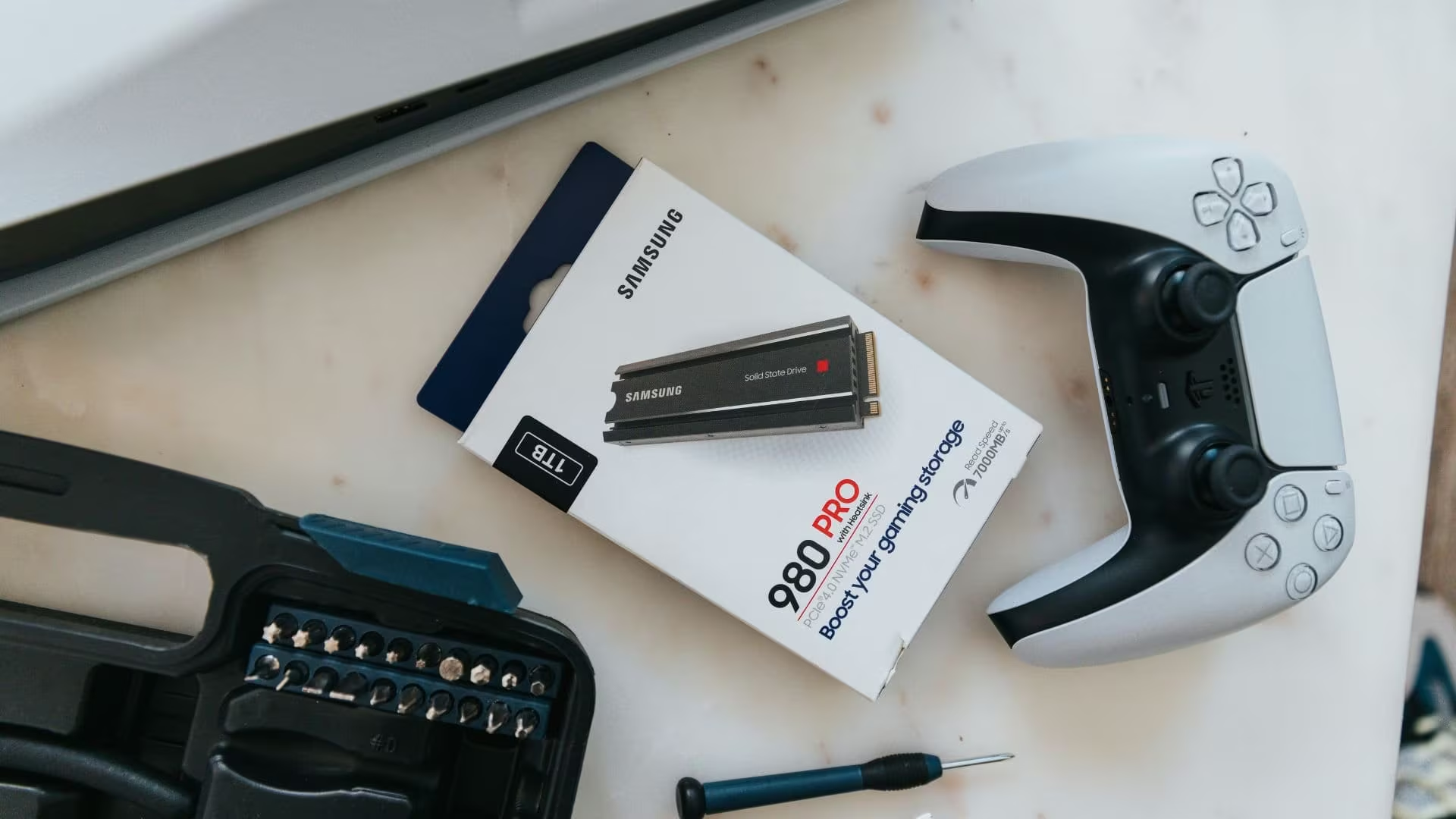
A PS5-ready drive with a built-in heatsink is usually the easiest option. It may cost slightly more, but it removes the little “did I buy the right heatsink?” headache.
📏 Check the Drive and Heatsink Size
The drive must fit inside the PS5 storage bay. The heatsink counts toward the total measurements, so height matters just as much as length and width.
| Requirement | PS5 Limit |
|---|---|
| Width | Up to 25mm |
| Length | 30mm, 42mm, 60mm, 80mm, or 110mm |
| Total thickness | Up to 11.25mm |
| Space above the board | Up to 8.0mm |
| Space below the board | Up to 2.45mm |
A fast drive with a huge heatsink can still be a bad fit. It is like buying shoes online. The style can look perfect, but the wrong size ruins everything.
🚫 Avoid These SSD Types
Some drives are not suitable for the PS5, even when the product listing sounds close.
Avoid:
- ❌ M.2 SATA drives
- ❌ PCIe Gen3 drives
- ❌ Drives without cooling
- ❌ Oversized heatsinks
- ❌ Cheap no-name drives with unclear specifications
- ❌ PCIe Gen5 drives that cost more without offering a clear PS5 benefit
Sony says M.2 SATA drives are not supported. The company also warns that meeting every listed specification does not guarantee that a drive will work.
🛒 PS5 Storage Options to Compare
These drives are strong options to research before buying:
- 🎮 WD_BLACK SN850P with Heatsink: Officially licensed for PS5, tested for the console, and available with up to 8TB.
- ⚡ Samsung 990 PRO with Heatsink: A fast PCIe 4.0 drive with PS5 compatibility listed by Samsung.
- 🔥 Seagate FireCuda 530 with Heatsink: A PCIe Gen4 drive with read speeds of up to 7,300MB/s and PS5 compatibility listed by Seagate.
For most gamers, 2TB is the safest starting point. It provides room for several large games without pushing the upgrade too far into “my wallet is crying” territory.
💽 Choose the Right Storage Size
| Storage Size | Best For |
| 1TB | Budget upgrade |
| 2TB | Most gamers |
| 4TB | Large digital libraries |
| 8TB | Maximum space at a higher cost |
If you regularly play Call of Duty, sports games, RPGs, or live-service games, 1TB can disappear quickly. A 2TB drive gives you more breathing room without jumping to the most expensive options.
🔌 Internal SSD vs External USB Storage
An internal M.2 drive is the better choice when you want more playable PS5 storage. PS5 games can launch directly from a compatible internal drive.
External USB storage is still useful, but PS5 games stored on it must be copied back to internal storage before you can play them. PS4 games can run directly from USB extended storage.
Use an external drive for older games or backups. Use an internal M.2 drive when you want more space for PS5 games you can launch immediately.
🧰 Prepare Before Installation
Before installing the drive, update your PS5 system software. Fully turn off the console, unplug it, and allow it to cool.
You will also need:
- 🪛 A #1 Phillips or cross-head screwdriver
- 💡 A clean, well-lit work area
- 🧼 A grounded metal object you can touch to reduce static
The PS5 formats the drive after installation. Formatting erases anything already stored on it, so do not install a drive containing files you want to keep.
A PS5 SSD upgrade is not difficult, but buying the wrong drive is easy when you only compare prices. Check the speed, measurements, cooling, and PS5 compatibility before placing your order.
Which PS5 storage size would you actually buy, 1TB, 2TB, 4TB, or 8TB?


