This article may include affiliate links that earn us a small commission at no extra cost to you.

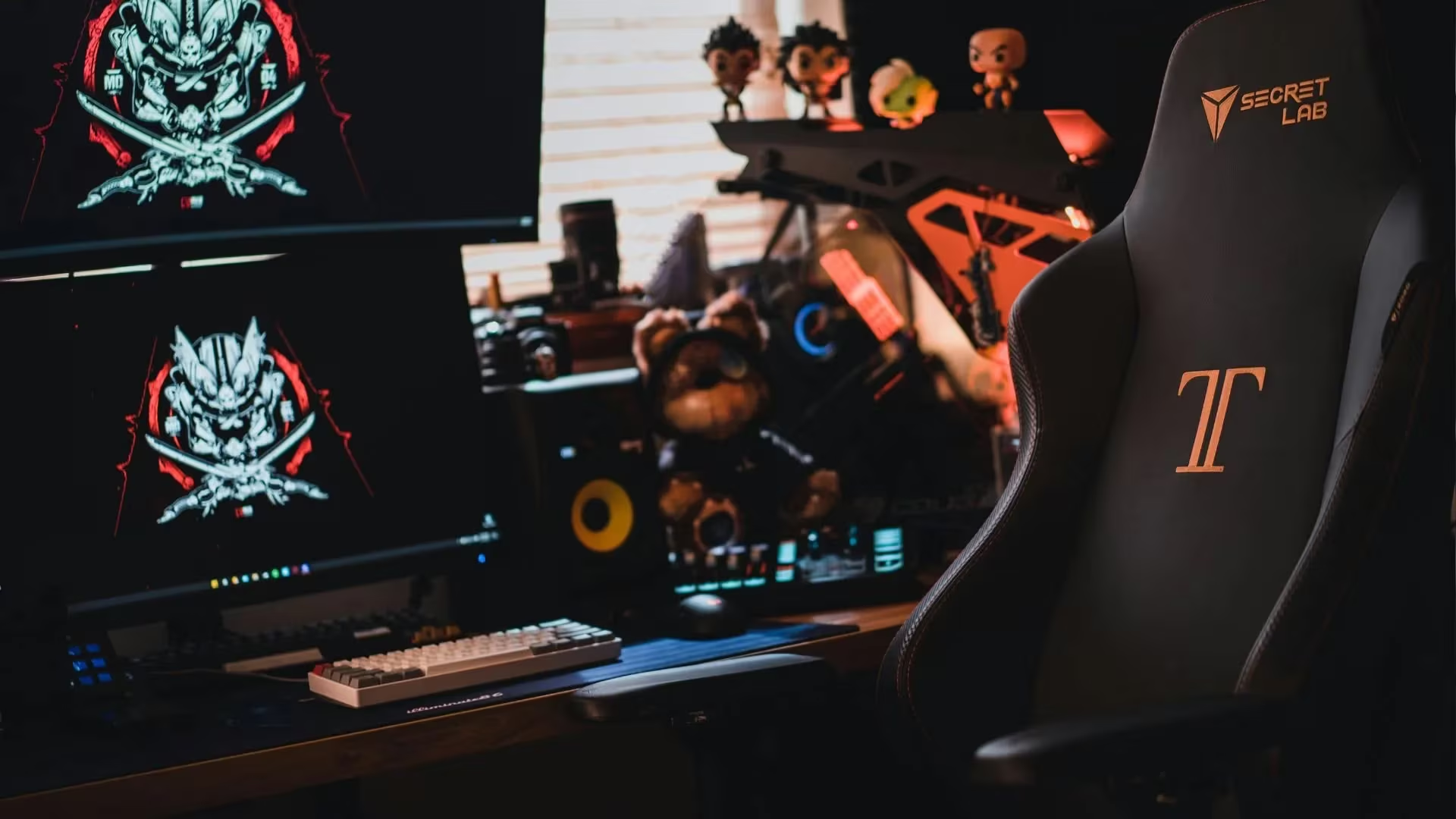
Gaming Chair Comfort: 5 Checks Before You Buy
Gaming chair comfort starts with fit, support, and how you actually game. A chair may look perfect beside your setup, but that means little if your back, hips, or shoulders start hurting before the session ends.
The right choice depends on your body, budget, setup, and gaming habits. A console gamer near the TV may prefer a floor rocker or pedestal chair. A PC gamer at a desk may be more comfortable in a racing-style seat or ergonomic office chair.
Before buying based on looks, work through these five checks.
🪑 Gaming Chair Comfort Starts With the Right Style
Not every gaming chair belongs in every setup. The first step is choosing a style that matches where and how you play.
Common options include:
- 🎮 Video rockers: Good for console gaming close to the floor
- 🏎️ Racing-style chairs: Popular for desks and driving games
- 🕹️ Racing simulators: Built for a wheel, pedals, and cockpit setup
- 🔄 Pedestal chairs: Raised off the floor and easier to turn
- 💻 Ergonomic office chairs: Often comfortable for long desk sessions
A racing chair or simulator may fit gamers who spend most of their time with games like Gran Turismo. An ergonomic office chair may work better if the same desk is used for shooters, RPGs, cozy games, and work.
Comfort should come before the “gamer” look. Bold colors and racing lines will not help once your back starts filing complaints.
🧍 Check the Backrest and Seat Support
Long gaming sessions can put pressure on your lower back, hips, shoulders, and legs. A chair needs to support your body, not just complete a setup photo.
Look for:
- 🧩 A firm but comfortable seat cushion
- 🦴 Lower back support
- 📏 A backrest that suits your posture
- 🦵 Enough seat depth for your legs
- ⏳ Padding that will not flatten too quickly
Mayo Clinic says a good chair should support your spine, allow your feet to rest flat on the floor or a footrest, and keep your shoulders relaxed while using the armrests.
Lumbar support is especially important for gaming chair comfort. Some chairs use a loose pillow, while others include built-in support that can be adjusted. Built-in support may look cleaner, but a pillow can still work when it rests in the right place.
📐 Make Sure the Chair Fits Your Body
A chair can have strong reviews and still feel terrible if the size is wrong. Your body should sit naturally instead of being forced into the chair’s shape.
Check that:
- 👣 Your feet rest flat on the floor or a footrest
- 🦵 Your knees bend comfortably
- 🧍 Your back reaches the backrest without strain
- 😌 Your shoulders remain relaxed
- ↔️ The seat gives you enough room without feeling too large
OSHA says the backrest should follow the natural curve of your spine and support your lower back. The seat should also let your feet rest flat on the floor or on a footrest.
Be careful with narrow racing-style seats that have raised side bolsters. They may look sharp, but they can feel cramped if you sit cross-legged or move around often.
⚙️ Choose Adjustments You Will Use
A long feature list is not useful when the important controls are missing or awkward.
| Feature | Why It Helps |
|---|---|
| Seat height | Helps your feet rest flat |
| Recline | Gives you room to relax between matches |
| Armrests | Helps keep your shoulders relaxed |
| Tilt control | Allows the seat to move with you |
| Adjustable cushions | Fine-tunes neck and back support |
Armrest height can change how your upper body feels. Armrests that are too low may let your shoulders droop. Armrests that are too high may cause tension.
Adjustable armrests can help your hands line up with a controller, keyboard, or mouse.
Recline is useful for watching videos or taking a break, but the chair should still feel stable when leaned back.
💰 Balance Price With Build Quality
A cheap chair can stop feeling like a deal when the cushion quickly goes flat. A high price does not guarantee good gaming chair comfort either.
Before buying, check:
- 🧱 Frame material
- 🪑 Cushion thickness
- 🧾 Warranty length
- 📦 Return policy
- ⭐ Long-term comfort reviews
- 🔧 Replacement-part availability
Fit and support should come before extras. RGB lights, loud stitching, and large logos will not improve a rough seat.
The best chair matches your body, setup, and normal habits. Start with comfort, confirm the size, test the useful adjustments, and then compare the price. If you barely notice the chair while gaming, it is probably doing its job.
What chair are you using now, and does it still feel good after a long gaming session?


[…] it’s even better. On hard days, these games can help you feel calm. Want to get more comfortable? We shared our top picks for gaming chairs in a full guide to making long play sessions feel […]